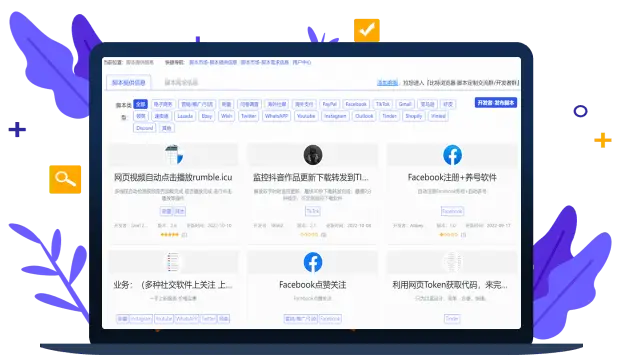
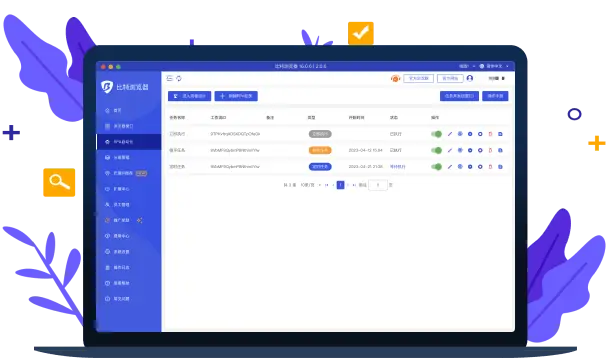
Independent configuration
Start with independent profiles and organize frequently used projects according to actual work needs.
Bit Browser + Cloud Phone, easily manage your cross-border business
 Bit Cloud Phone is now live, go try it out!

Use independent profiles, environment grouping and collaboration features to arrange daily work across different platforms.
Start with independent profiles and organize frequently used projects according to actual work needs.
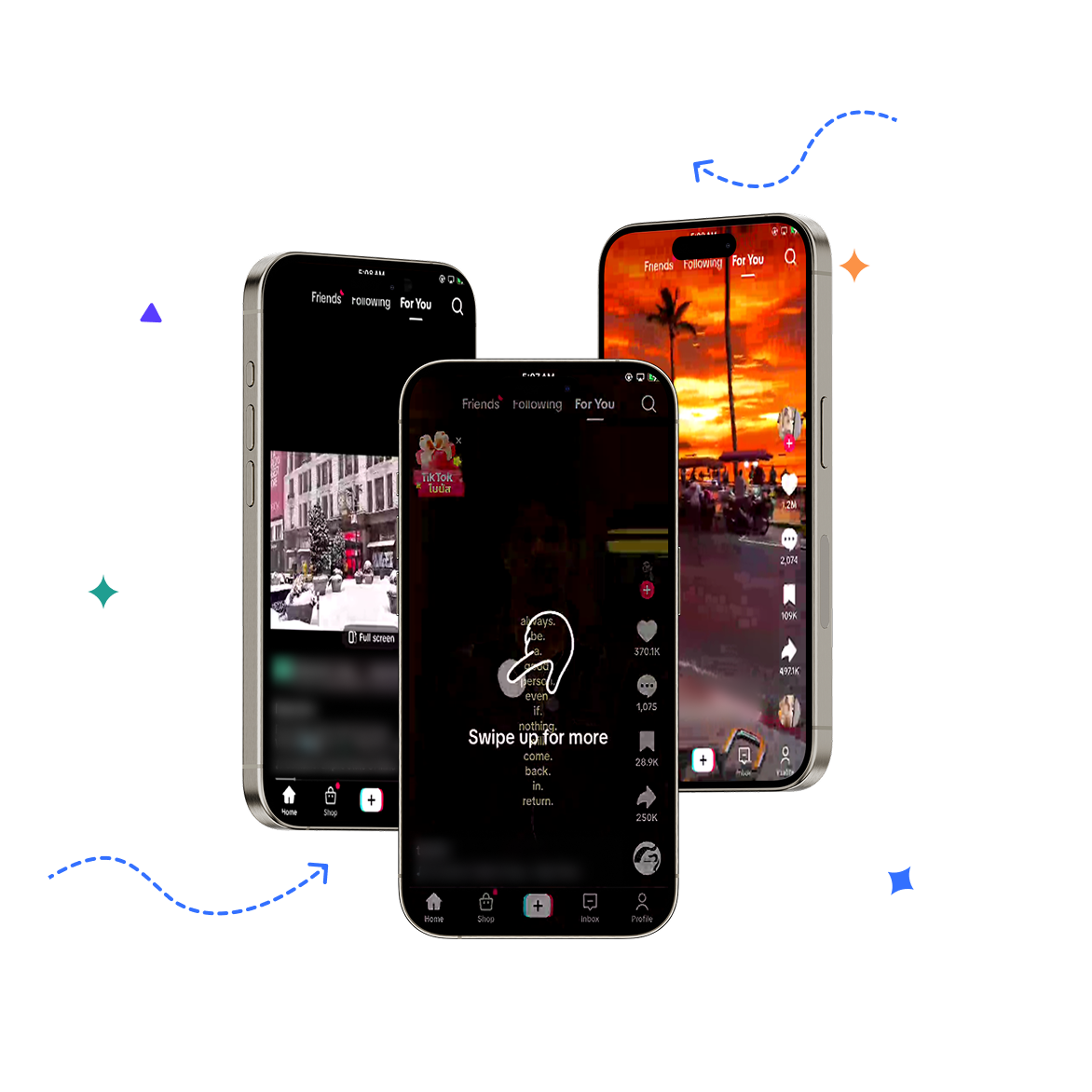
Combine environment grouping with collaboration permissions to keep daily operations clearly organized.
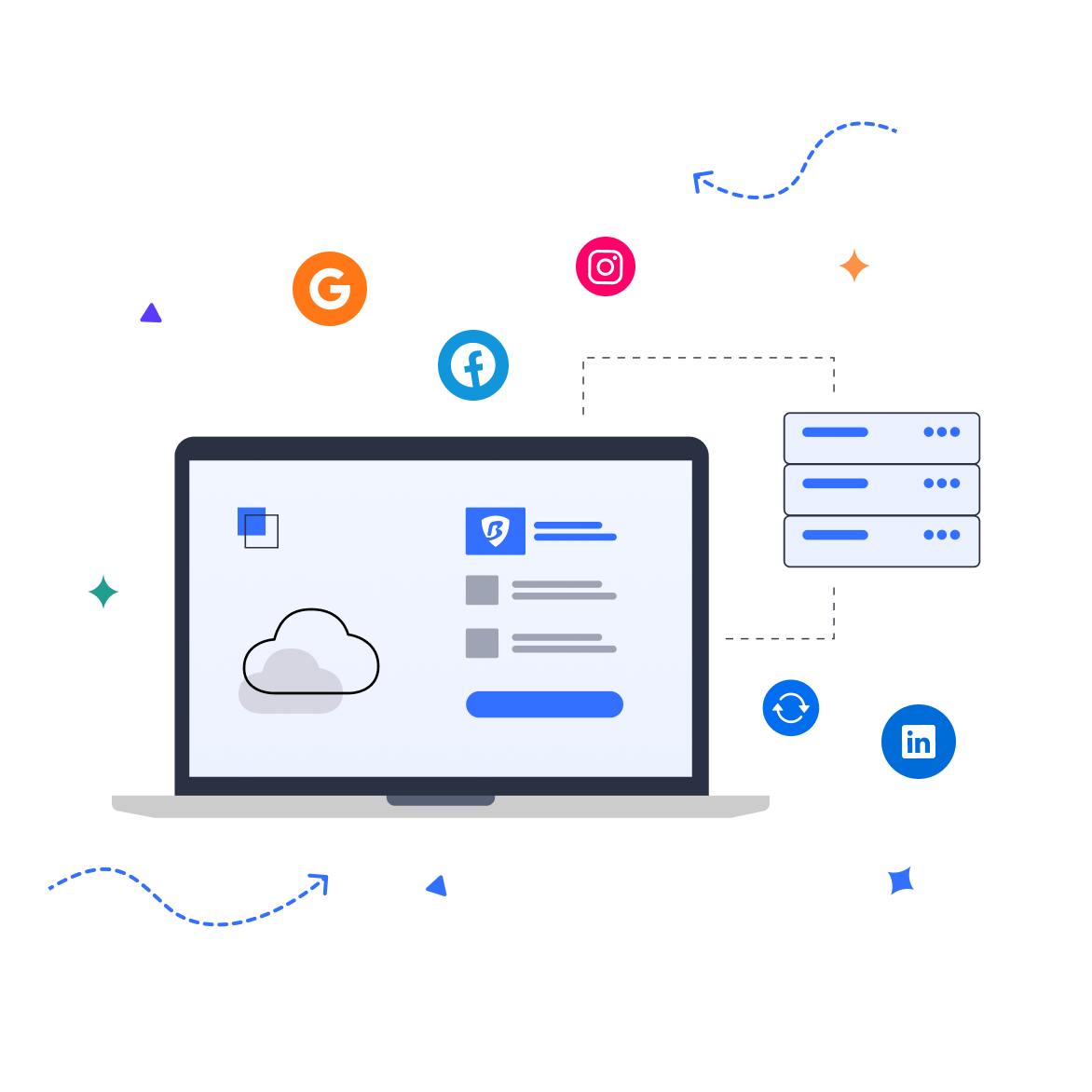


Work across multiple platforms in a familiar interface and adjust your own settings as needed.
View independent profile options and confirm device and version information before getting started.
Put frequently used features in easy-to-find places, reducing repeated searching and switching.
Group environments to retain useful information for easier continued processing next time.
When you need versions for other devices, you can view the configured options in the download center on this page.

Use independent profiles, environment grouping and collaboration features to arrange daily work across different platforms.
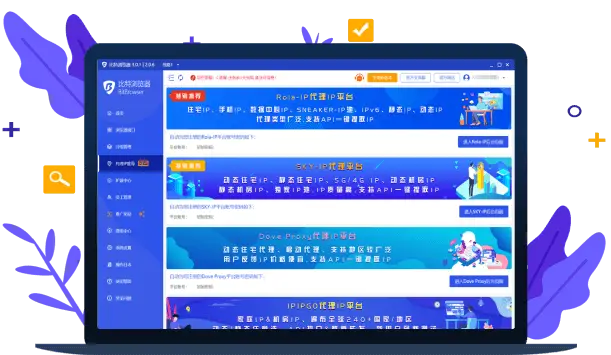
Supports most types of proxy IPs, with simple and fast proxy IP setup that requires no complicated operations
Start with independent profiles and organize frequently used projects according to actual work needs.
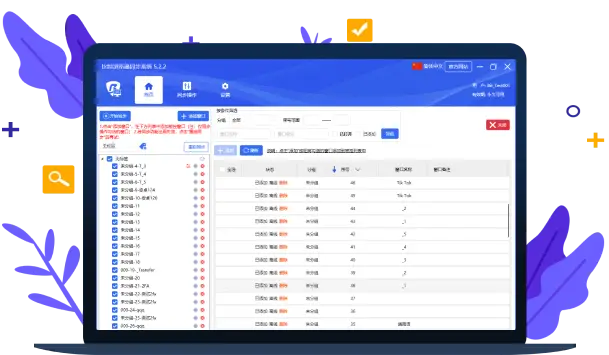
 Sync System
Combine environment grouping with collaboration permissions to keep daily operations clearly organized.
Proxy IP Recommendations
Work across multiple platforms in a familiar interface and adjust your own settings as needed.
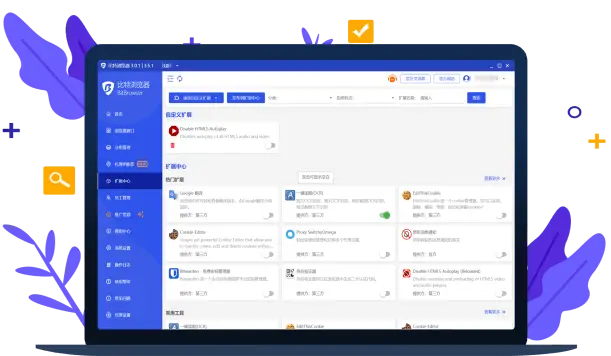
Google Extension Center
View independent profile options and confirm device and version information before getting started.
Script Marketplace
Local API
RPA Browser Automation

Use independent profiles, environment grouping and collaboration features to arrange daily work across different platforms.

Start with independent profiles and organize frequently used projects according to actual work needs.

Combine environment grouping with collaboration permissions to keep daily operations clearly organized.

Which platform accounts can Bit Fingerprint Browser manage?

Is Bit Fingerprint Browser free? What is the pricing?
Which proxy types does Bit Fingerprint Browser support?
Does Bit Fingerprint Browser support viewing operation logs?
Does Bit Fingerprint Browser support employee management? What is employee management?

Use independent profiles, environment grouping and collaboration features to arrange daily work across different platforms.
Start with independent profiles and organize frequently used projects according to actual work needs.
Combine environment grouping with collaboration permissions to keep daily operations clearly organized.
Work across multiple platforms in a familiar interface and adjust your own settings as needed.
View independent profile options and confirm device and version information before getting started.
Select your device system in the download center and check the corresponding version name.
Open the installation file and follow the on-device installation prompts to complete setup.
Bit Browser provides isolated browsing environments for multi-platform operations, ad campaigns, and cross-border e-commerce. Quickly create, group, and switch profiles from a unified console to reduce account association risks and make daily operations clearer.
Organize browser environments by project or platform, batch-launch frequently used configurations, and reduce repetitive switching.
Assign independent fingerprint information to different environments to reduce the possibility of multiple accounts being associated on the same device.
Support member permission assignment and operation log viewing, making it convenient for multiple people to maintain account environments together.
Create a new profile in the client, enter a name and select the platform type, and the system will generate a corresponding isolated browsing environment. You can then launch it directly from the list.
Yes. After logging into the same account, saved configuration files will sync across different devices, making it easy to continue working when switching computers.